
Download gBurner – burn disc, create disc, burn data, burn audio, burn video, disc image, iso, bin, cue, cd, dvd, blu-ray, image management, multisession
Overview
gBurner is a productivity-focused utility designed to assist users in creating, managing, and manipulating physical optical media. The application serves as a comprehensive tool for burning data, audio, and video content onto CDs, DVDs, and Blu-ray discs, catering to both casual users and those with more advanced needs. It enables the creation and handling of disc images in formats such as ISO, BIN, and CUE, offering a flexible solution for digital archiving and distribution. The software is particularly useful for individuals or professionals who rely on physical media for backup, presentation, or distribution purposes.
Its core purpose lies in simplifying the often complex process of disc burning by offering an intuitive interface and robust format compatibility. Whether users are compiling a music CD, backing up files, or creating a bootable disc, gBurner aims to streamline each step. The application supports a wide range of media types, including CD-R, CD-RW, DVD-R, DVD-RW, and various Blu-ray formats, ensuring broad usability across different hardware setups.
While the developer did not provide additional technical details about the company background or development history, the app’s consistent release cycle and feature-rich design suggest a dedicated development team. The target audience includes home users, educators, small business owners, and anyone needing reliable disc creation tools. In the current digital landscape, where cloud storage dominates, gBurner fills a niche by preserving access to physical media for long-term archiving and compatibility with legacy systems.
Key Features & Functionality
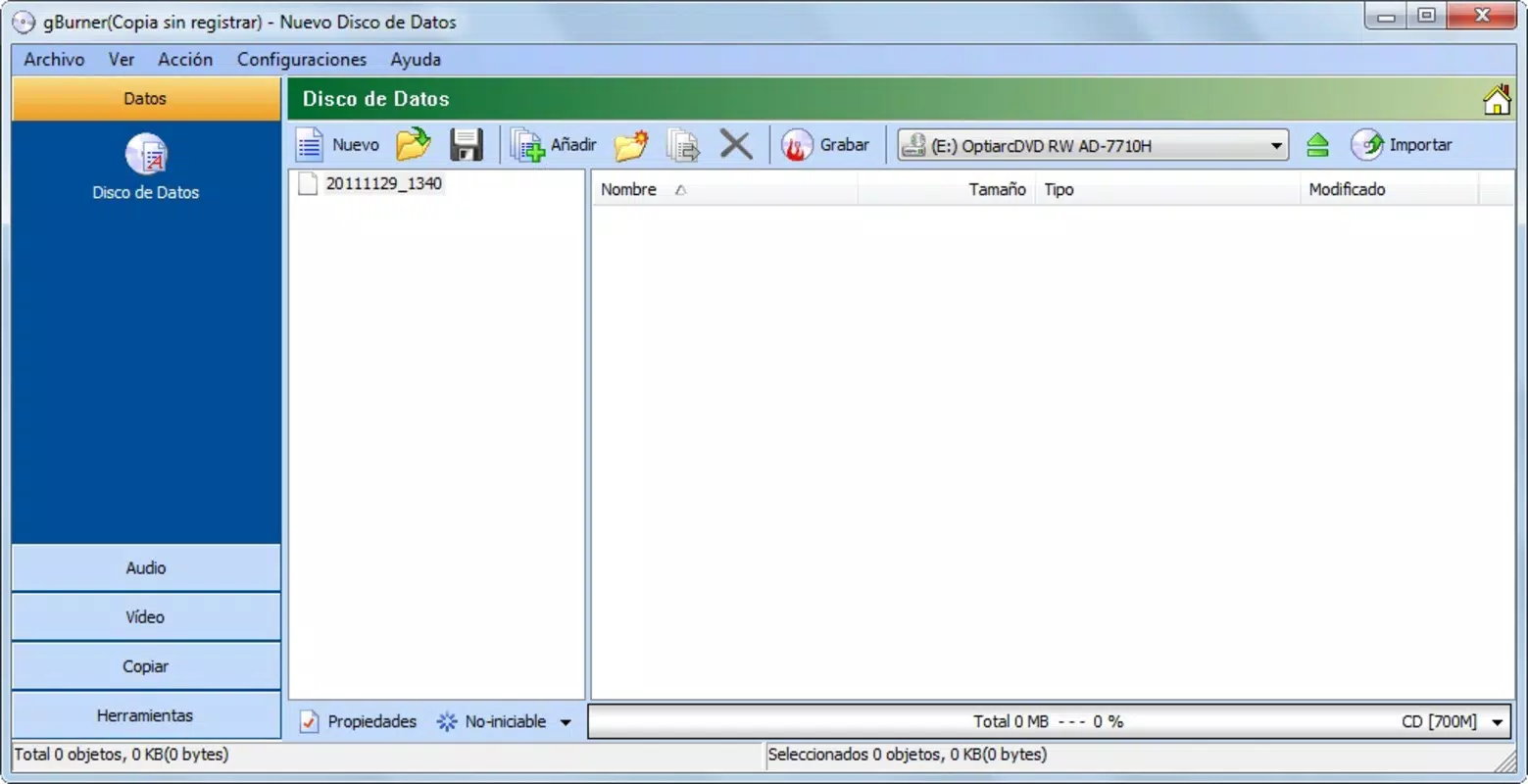
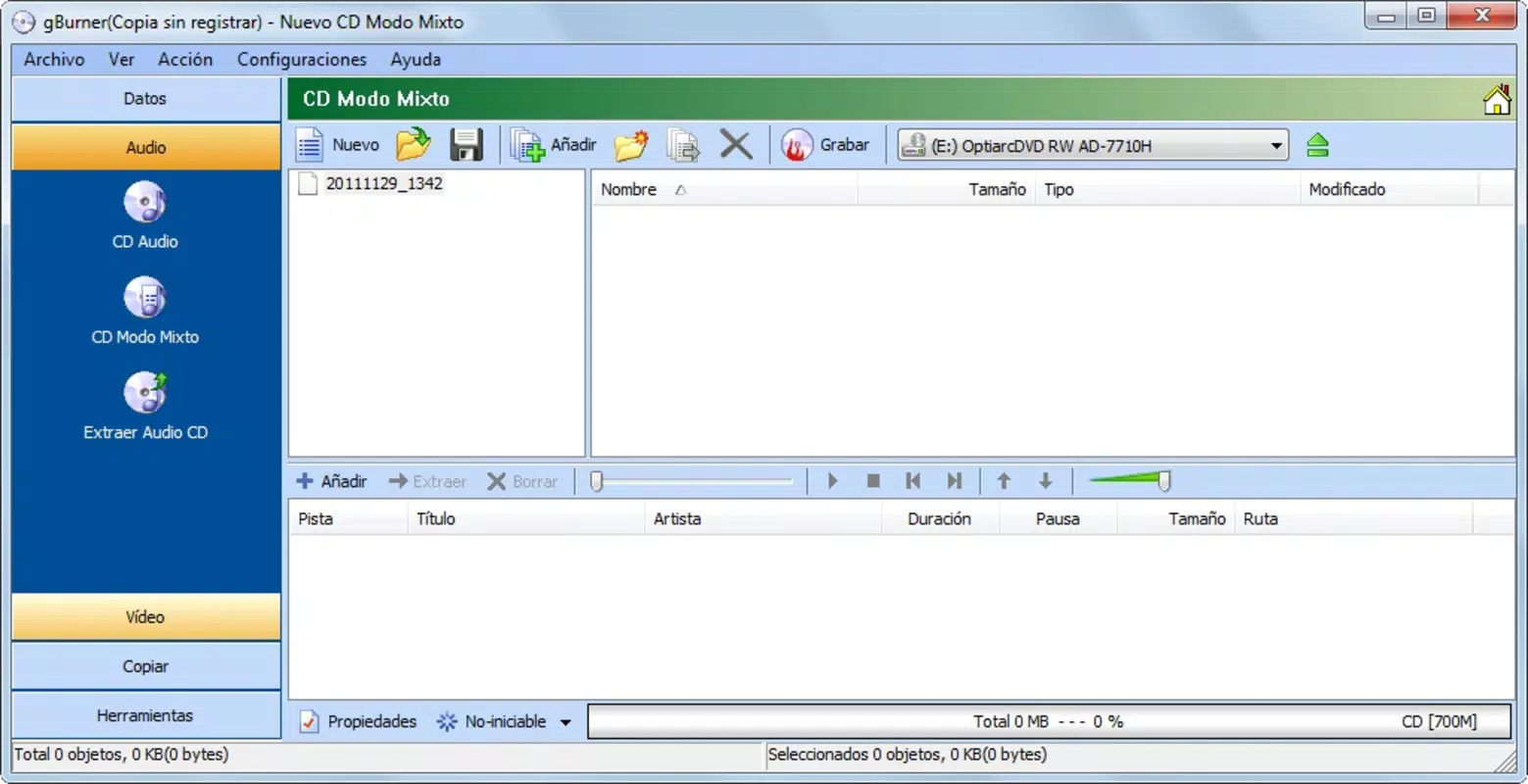
- User-Friendly Interface: gBurner organizes its functions into a clearly labeled menu on the left side of the screen, allowing users to quickly switch between audio, data, and video burning modes. This layout reduces cognitive load and enables faster task execution, especially for beginners.
- Wide Format Support: The application supports CD-R, CD-RW, DVD-R, DVD-RW, and multiple Blu-ray disc types. It also handles a broad range of image formats including ISO, BIN, CUE, and others, ensuring compatibility with most existing disc image files.
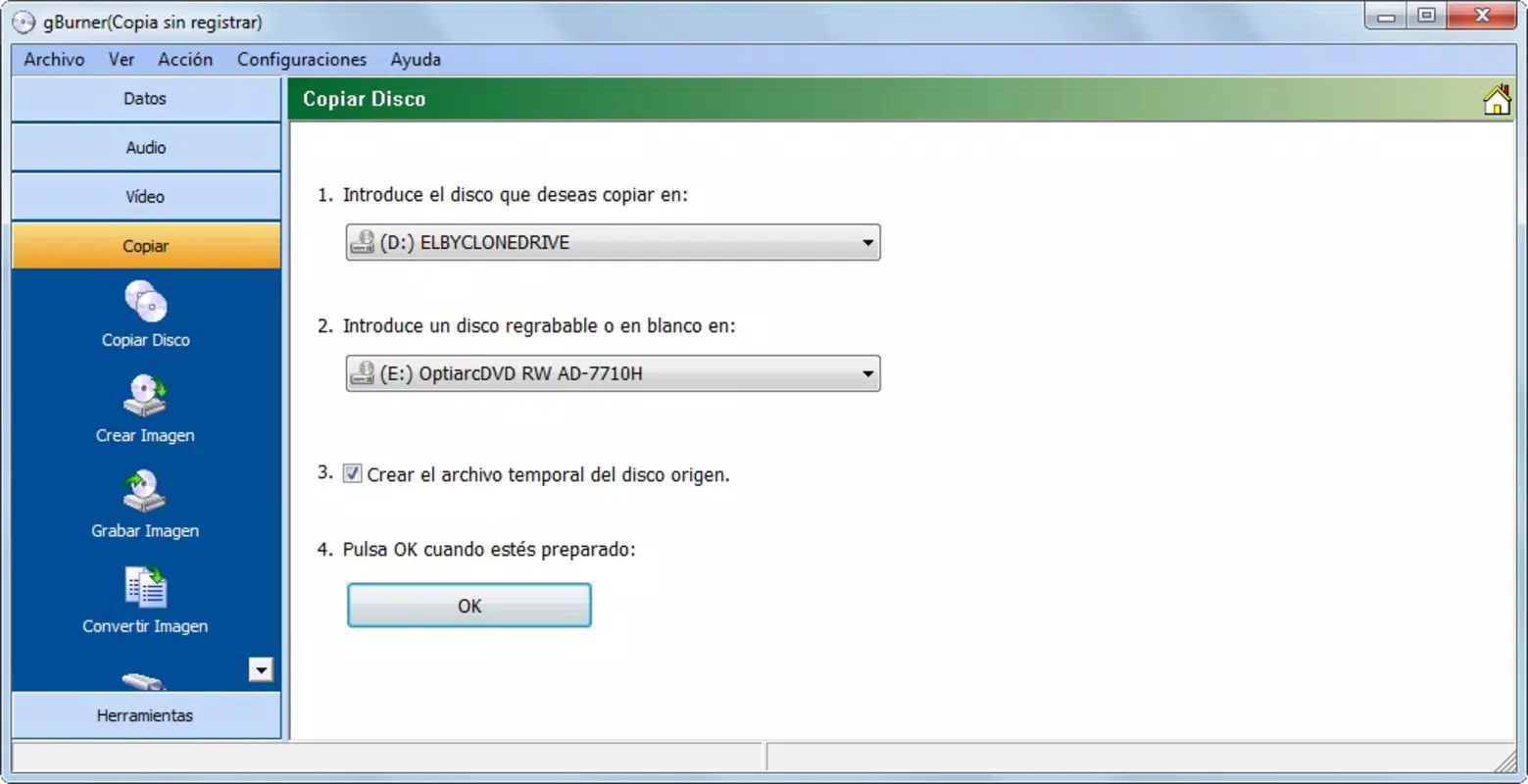
- Image Management Tools: Users can open, edit, extract, and convert disc images without needing additional software. This functionality is ideal for those managing digital archives, preparing software distribution media, or modifying existing disc content.
- Multisession Capability: This feature allows users to add new data to a disc that already contains content, without re-burning the entire disc. It is especially beneficial for incremental backups and evolving project files.
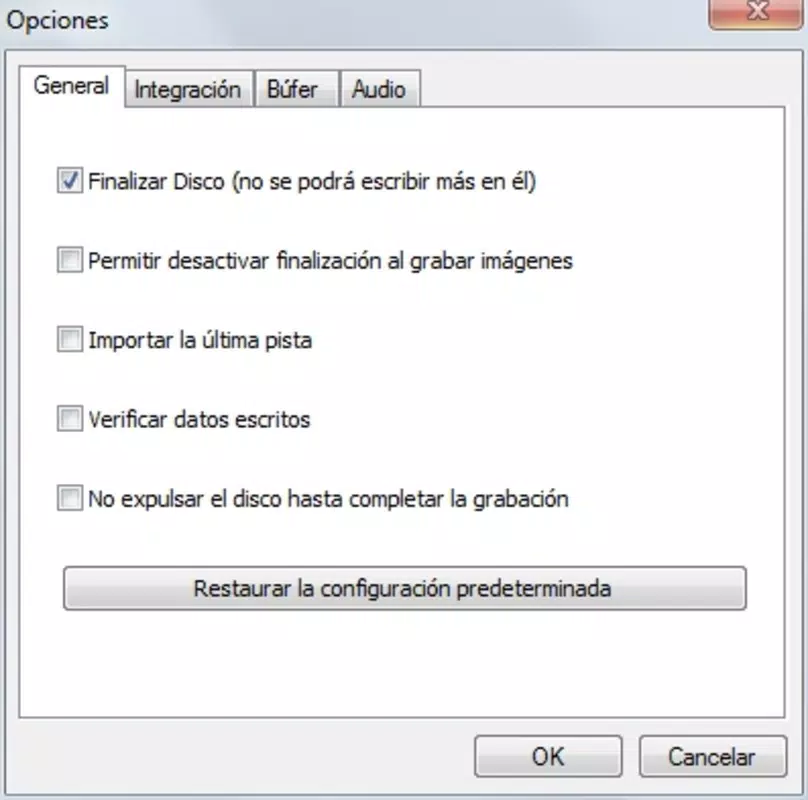
- Reliable Burning Engine: The software is built with a stable burning engine designed to minimize errors during the writing process, helping maintain data integrity and disc readability.
For example, a student preparing a multimedia presentation can use gBurner to compile video clips, audio tracks, and supporting documents onto a single disc. A small business owner might use the multisession feature to update a client’s project disc over time. Similarly, a collector can convert old ISO files into burnable discs for long-term preservation.
Interface, UX & Performance
The interface of gBurner is structured with clarity and usability in mind. The left-side navigation menu provides immediate access to core functions, reducing the number of clicks needed to begin a task. Visual feedback during the burning process, such as progress bars and status indicators, enhances user confidence and transparency.
Navigation is straightforward, with logical grouping of features and minimal clutter. The layout remains consistent across different modes, which supports a smooth learning curve for new users. Although the developer did not list formal performance metrics, the application’s responsiveness during common operations like image loading and disc writing suggests efficient resource management.
Performance across different device categories appears to be stable, with no reported issues related to freezing or crashes. The software maintains a low footprint, consuming only 28.5 MB of storage space, which contributes to its lightweight nature and fast startup times. Users can expect consistent behavior during standard burning tasks, even on older hardware configurations.
Platform Compatibility & Technical Requirements
gBurner is available exclusively for the Windows platform. The current version is 1.2.5, and the application size is 28.5 MB. It is designed to run on Windows operating systems, though specific minimum OS requirements were not listed by the developer.
Given its compact size and lack of resource-intensive features, the software is likely compatible with a wide range of Windows devices, including those with older hardware. However, users should verify that their system supports optical drives, as the application relies on physical disc burning capabilities. The developer did not specify exact compatibility details, so users are advised to ensure their device has a functioning CD/DVD/Blu-ray drive.
Pros and Cons
- Free to download and use with no hidden costs
- Supports multiple disc formats including CD, DVD, and Blu-ray
- Extensive image format compatibility (ISO, BIN, CUE, etc.)
- Includes multisession functionality for incremental data updates
- Lightweight design with minimal system resource usage
- Intuitive interface suitable for both beginners and experienced users
- Not available for mobile platforms (Android or iOS)
- Specific OS version requirements were not disclosed
- Requires a physical optical drive for full functionality
- No cloud integration or automatic backup features
- Limited documentation or in-app help resources
FAQ
Is gBurner safe to download and install?
Yes, gBurner is available as a free application with no reported malware or security threats. However, users should download it only from official or trusted sources to ensure authenticity.
Can I use gBurner on macOS or Linux?
Currently, gBurner is only available for Windows. There is no official version for macOS or Linux systems.
Do I need a CD/DVD/Blu-ray drive to use gBurner?
Yes, since gBurner is designed for physical disc burning, a compatible optical drive is required to write data to discs.
Is gBurner regularly updated?
Yes, the latest version is 1.2.5, released on 2025-07-07. The developer maintains an active release schedule, indicating ongoing support.
Can I burn audio CDs with gBurner?
Yes, gBurner supports audio disc creation, allowing users to compile music files into standard audio CDs compatible with most players.
Final Thoughts
gBurner stands out as a reliable, feature-rich tool for anyone needing to burn data, audio, or video to physical media. Its combination of format versatility, multisession support, and a clean interface makes it a practical choice for both everyday users and professionals. While it lacks mobile support and modern cloud features, it excels in its core function: delivering a stable, efficient disc burning experience on Windows.
For users who value control, compatibility, and a no-cost solution, gBurner offers strong value. Whether archiving important files, creating music discs, or managing disc images, this utility remains a top contender in its category. Its lightweight design and free availability make it accessible to a wide audience.
Download gBurner now


